3D Printing For Schools
Empowering Students with 3D printing
3D PRINTING SCHOOL CURRICULUM
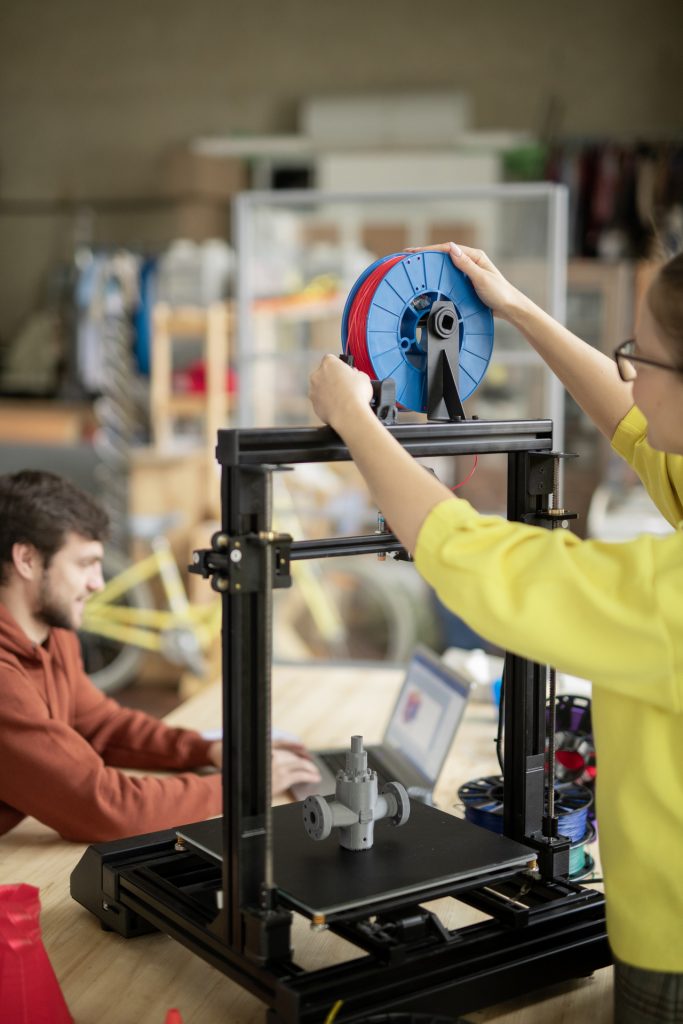
WHAT'S INCLUDED
Get Full Access Starting at $2900.00/Semester or Save with $5500.00/Year.
- Complete Alberta-Aligned Curriculum
- Full Online Lesson Library
- Workbooks and Printable Lesson Sheets
- Staff Training
- 3D Printers
- Monthly Maintenance
- Wide Variety of Filament Colours
- Tech Support and Warranty
- Sliding Scale Pricing Tailored To Your Schools Needs
Note: Curriculum and training offered by Starforge 3D Printing are for school use only. Using them for corportate/individual or shared purposes and or redistribution is a violation of our copyright laws.
Course Objectives
1
Fundamentals
Understand the fundamentals of FDM 3D Printing technology.
4
Printing
Learn how to fully prepare, slice, and print 3D models and parts.
2
Operation
Learn how to operate an FDM 3D printer safely and effectively.
5
Troubleshoot
Troubleshoot common 3D printing issues and maintenance.
3
Software
Learn how to design basic 3D models using software like TinkerCAD.
6
Ethics
Understand the applications and ethical considerations of 3D printing
Course Modules
Our Alberta-Aligned curriculum is broken down into simple and streamlined components that will allow students to explore everything from the history and evolution of 3D Printing all the way to learning how to operate and print their own 3D projects.

Module 1 - Introduction
- History and evolution of 3D printing
- Types of 3D printing technologies with a focus on FDM (Fused Deposition Modelling)
- Components of an FDM printer (hotend, extruder, bed, stepper motors, etc.)
- Applications of 3D printing in education, industry, medicine, and hobby activity.
- Tour of the printer, identify components, watch a sample print
Module 2 - Printing Workflow
- Overview of the digital manufacturing process.
- Design a simple file and learn about slicing software (Bambu Studio/Orca Slicer, PrusaSlicer, TinkerCAD).
- Export print files and learn formats (STL/OBJ).
- Learn how to slice files (G-coding).
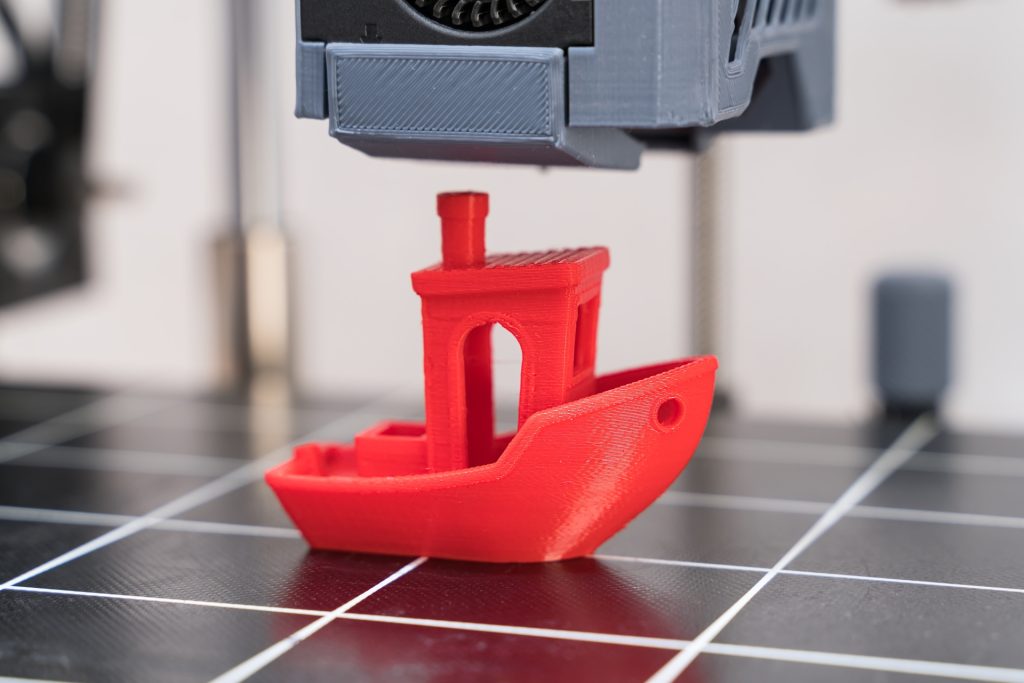
- Print your first 3D project.
Module 3 - Design Basics
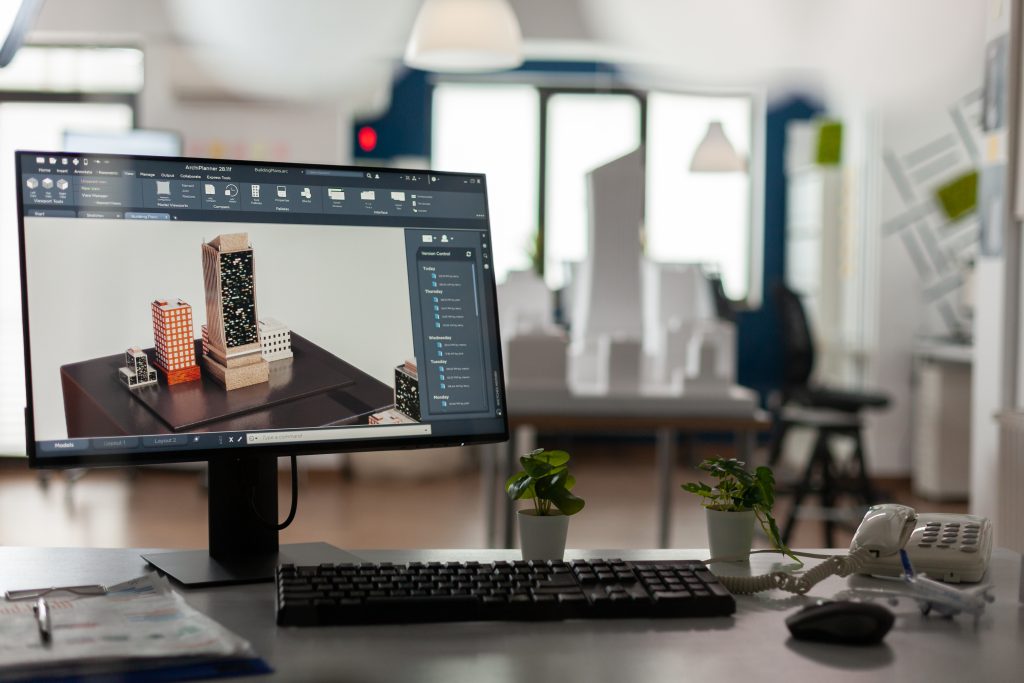
- Introduction to 3D Design Software (Tinkercad, Fusion 360, or Onshape).
- 3D Geometry: Shapes, Extrusions, Holes, Grouping, Alignment.
- Design Thinking: Sketch to Model.
- Exporting to STL Format
Module 4 - Printer Operation
- Loading and Unloading Filament (PLA Focus).
- Bed Leveling and Adhesion Tips.
- Temperature Settings and Material Profiles.
- Safety Do’s and Don’ts.
- Print your first 3D project.
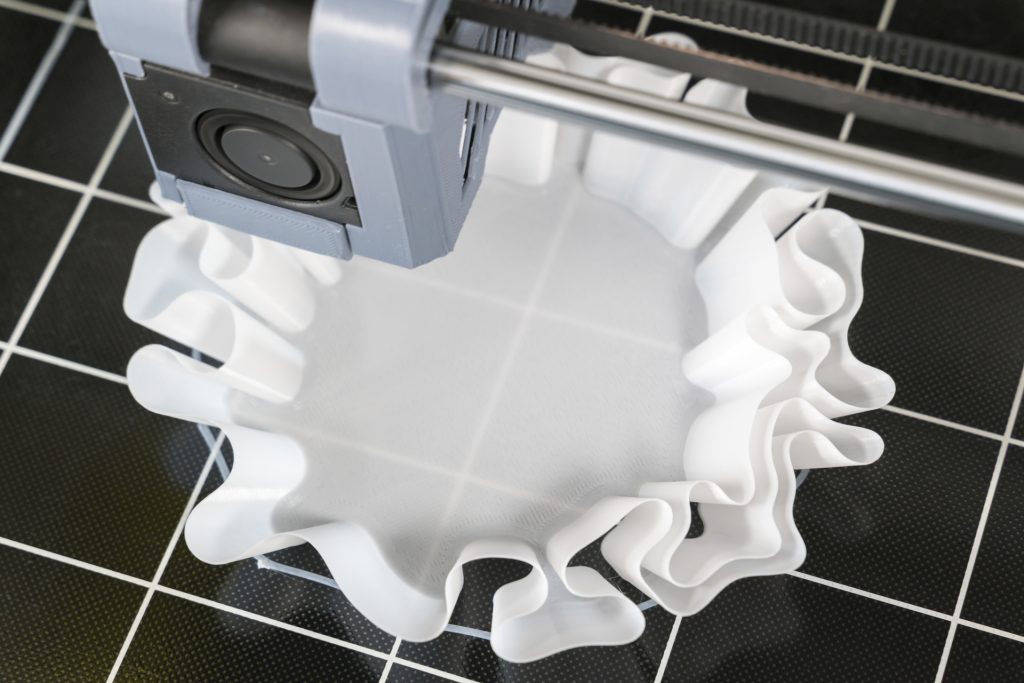

Module 5 - First Prints
- Intro to Layer Heights, Infill, Supports, and Print Speed.
- Use Slicing Software to Prepare and Optimize a Student Design
- Export G-Code and Start a Print.
- Print a Small, Custom-Designed Object
Module 6 - Troubleshooting
- Common Print Problems (Warping, Stringing, etc.)
- How to Fix Failed Prints and Avoid Errors.
- Basic Maintenance (Cleaning Nozzles, Belts, Updates.)
- Diagnose Sample Failed Prints and Correct Slicing Errors.

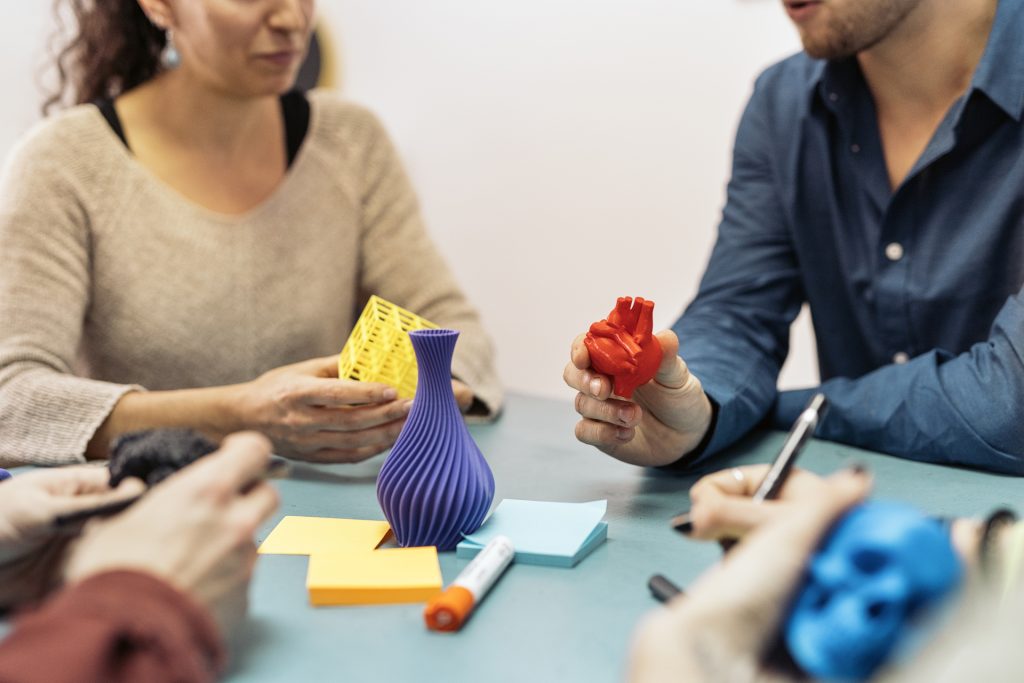
Module 7 - Final Project
- Design and Print a Functional or Creative Object (ex. Phone Stand, Toy, Tool Holder, etc.)
- Students Pitch Their Idea, Design it in TinkerCAD, Slice and Print it.
- Reflect on the Process: Challenges and What They Learned.
- Each Student Shares their Printed Project and Design Process.
Tools and Supplies
The StarForge 3D Printing Curriculum includes all the hardware and supplies you need to start your own 3D Printing program including:
- FDM Printers (Bambu, Prusa, etc.)
- PLA Filament at Discounted Pricing
- Access to 3D Printing Software.
CALL TODAY AT (780) 221-6153
Our curriculum is fully customized to meet the unique needs and goals of your students—because we know there’s no one-size-fits-all approach to education. Contact us today for a personalized consultation, detailed pricing, and to determine the ideal 3D printer setup and program package for your school. Discounted pricing available for your first semester.